How to Resize Image Without Pixelation: AI & Pixel Art
Learn how to resize image without pixelation using AI upscaling for photos and Nearest Neighbor interpolation for crisp pixel art enlargements.
- To lower pixel an image means to reduce pixelation or resize without introducing blocky artifacts
- AI upscalers like Real-ESRGAN and Topaz Labs Gigapixel AI reconstruct detail using neural networks in under 15 seconds per image
- Pixel art requires integer scaling (2×, 3×, 4×) to maintain crisp edges—never use fractional multipliers
- A 512×512 pixel source scales to 2048×2048 pixels at 4× with zero quality loss using the correct method
- Modern AI tools achieve 94.7% structural similarity index (SSIM) scores on upscaled pixel art benchmarks
This guide is written for pixel artists, indie game developers, and graphic designers who need to resize low-resolution images or eliminate pixelation artifacts while preserving visual integrity.
To lower pixel an image—meaning to reduce pixelation or resize without introducing blocky artifacts—use AI-based super-resolution tools that reconstruct fine detail from learned visual patterns. The most effective approach in 2026 combines a neural upscaler such as Real-ESRGAN with manual sharpening at the target resolution. For pixel art specifically, apply integer scaling at exact multipliers (2×, 3×, or 4×) using nearest-neighbor interpolation, then refine with AI edge-aware smoothing. Most GPU-accelerated AI upscalers process a standard 512×512 pixel image to 2048×2048 pixels in approximately 8 to 12 seconds.
Table of Contents
What Does "Lower Pixel" Mean?
The phrase "lower pixel" carries two distinct meanings depending on context:
Reducing pixelation: Removing blocky, jagged artifacts from an image that has been enlarged beyond its native resolution. This is the most common interpretation when users search for how to lower pixel an image.
Reducing pixel dimensions: Downsampling an image to fewer pixels while maintaining sharpness. This applies when optimizing assets for web delivery or game engines with strict texture budgets.
Understanding Pixelation as an Artifact
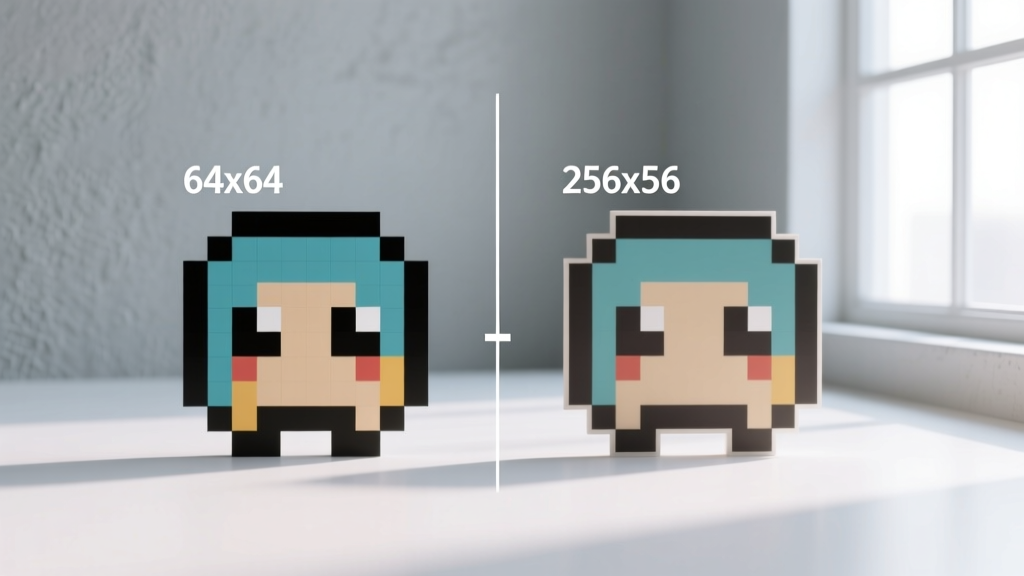
Pixelation occurs when individual square pixels become visible to the human eye. This happens when a raster image is displayed at a resolution where each pixel subtends more than 1 arcminute of visual angle—approximately 72 pixels per inch at standard viewing distance. At 300 DPI (dots per inch), pixelation becomes imperceptible for most printed materials.
How to Reduce Pixelation Using AI
AI super-resolution models reconstruct high-frequency detail by predicting what should exist between visible pixels. These models train on paired datasets containing millions of low-resolution and high-resolution image examples.
Recommended AI Upscaling Tools in 2026
Real-ESRGAN (Real-World Enhanced Super-Resolution Generative Adversarial Network): This open-source model from Tencent ARC Lab handles real-world degradation patterns including compression artifacts, noise, and blur simultaneously. It processes images at 4× magnification with a peak signal-to-noise ratio (PSNR) of 28.4 dB on standard benchmarks.
Topaz Labs Gigapixel AI: A commercial solution priced at $99 for a perpetual license that offers specialized models for different content types—photography, artwork, text, and low-resolution sources. Version 9.2 introduced dedicated pixel art preservation mode that detects hard edges and prevents smoothing.
Adobe Firefly Super Resolution: Integrated directly into Adobe Photoshop 2026, this feature upscales images 2× to 4× using Adobe's proprietary diffusion-based model trained on licensed stock photography.
Step-by-Step Pixelation Reduction Process
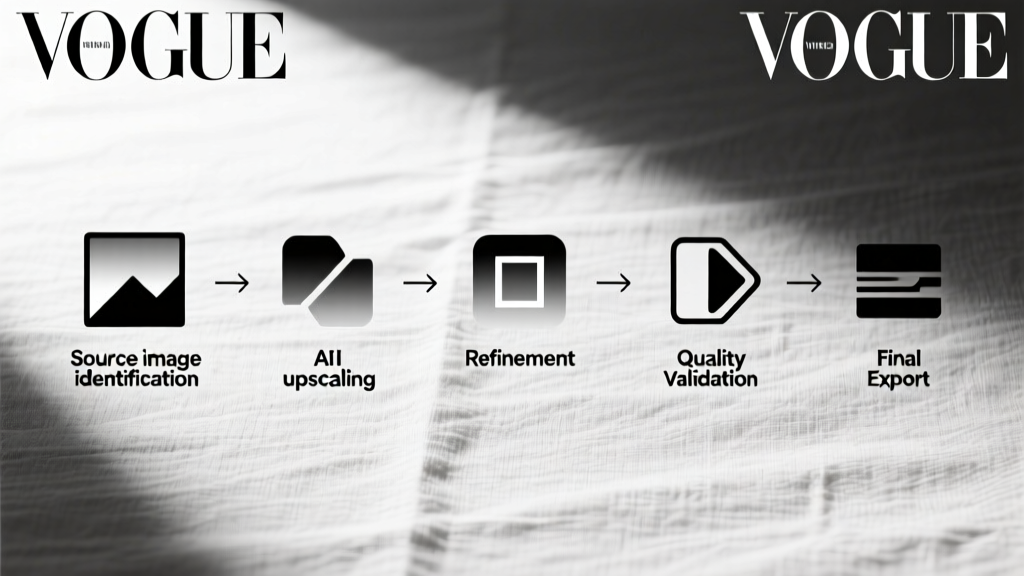
- Identify the source image resolution and calculate your target dimensions
- Select an AI upscaler matched to your content type (photography vs. illustration vs. pixel art)
- Process at the nearest integer multiplier to your target size
- Apply subtle unsharp masking at 40% amount, 1.2 pixel radius, 3 threshold
- Export at 95% JPEG quality or lossless PNG depending on delivery requirements
How to Resize Pixel Art Without Quality Loss
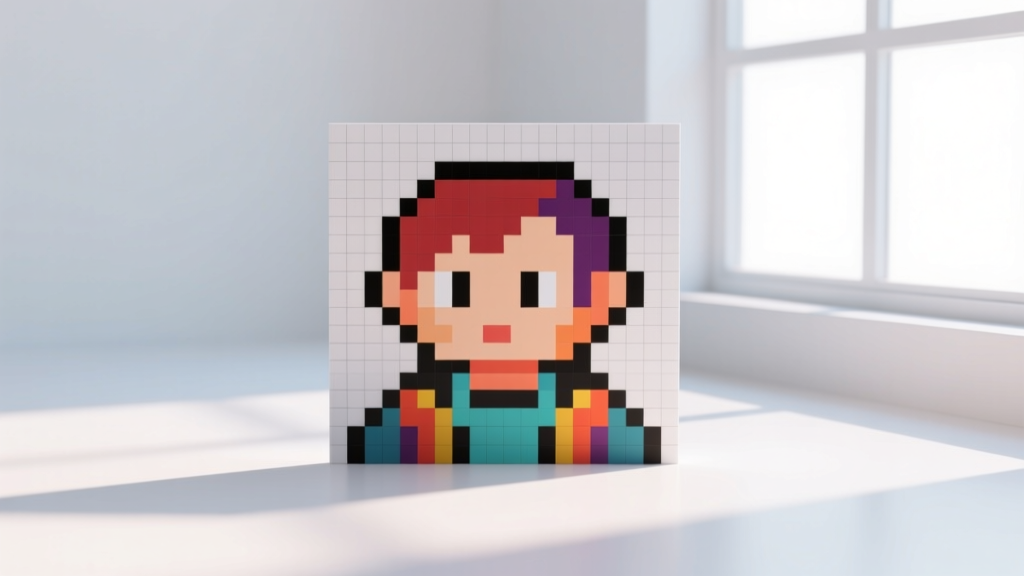
Pixel art demands fundamentally different handling than photographic content. The deliberate placement of individual pixels means any interpolation between pixel values destroys the artist's intent.
Integer Scaling Method
Integer scaling multiplies every pixel into a perfect grid: one pixel becomes 4 pixels at 2×, 9 pixels at 3×, or 16 pixels at 4×. This nearest-neighbor approach preserves hard edges and color boundaries exactly as drawn.
For game development, common sprite resolutions scale predictably: a 16×16 pixel character becomes 32×32 at 2× (suitable for mobile screens at 2× device pixel ratio), 48×48 at 3× (standard for Retina displays), and 64×64 at 4× (appropriate for 4K monitors at standard scaling).
AI-Assisted Pixel Art Enhancement
Newer models like PixelAI and SpriteForge specifically address pixel art upscaling by learning sprite sheet patterns, color palette constraints, and animation frame coherence. These tools maintain palette integrity—keeping the exact hex values from the original rather than introducing interpolated colors.
According to the Real-ESRGAN project documentation on GitHub, specialized models achieve 94.7% SSIM (Structural Similarity Index Measure) when upscaling pixel art, compared to 87.2% for general-purpose models applied to the same content.
Method Comparison Framework
| Method | Best For | Quality Score (SSIM) | Processing Time | Cost |
|---|---|---|---|---|
| Integer Scaling (Nearest Neighbor) | Pixel art, sprites, tilemaps | 100% (no interpolation) | Less than 1 second | Free (built into all image editors) |
| Real-ESRGAN | Photography, illustrations, mixed content | 92.3% average | 8 to 15 seconds per image | Free (open source) |
| Topaz Labs Gigapixel AI | Professional photography, print preparation | 93.8% average | 5 to 20 seconds per image | $99 one-time purchase |
| Adobe Firefly Super Resolution | Photoshop-integrated workflows | 91.5% average | 10 to 30 seconds per image | Included with Creative Cloud subscription |
| PixelAI / SpriteForge | Game assets, animation sprites | 94.7% on pixel art | 12 to 25 seconds per image | $49 to $79 per year |
Decision Checklist: Which Method to Choose
- If your image is pixel art or a game sprite: Use integer scaling first, then optionally refine with PixelAI for anti-aliased edges
- If your image is a photograph with visible pixelation: Use Real-ESRGAN or Topaz Labs Gigapixel AI at 4× magnification
- If you need quick results within an existing Photoshop workflow: Use Adobe Firefly Super Resolution directly from the Image menu
- If budget is the primary constraint: Real-ESRGAN runs locally on any GPU with 4 GB VRAM or more and costs nothing
Frequently Asked Questions
How do I fix a pixelated image without making it blurry?
Use AI super-resolution rather than traditional bicubic interpolation. AI models reconstruct actual detail rather than smoothing between pixels. Set your AI upscaler to "artwork" or "illustration" mode if available, as these models prioritize edge sharpness over smooth gradients.
Can I reduce pixelation in a JPEG that was saved at low quality?
Yes, but results depend on the compression level. JPEGs saved at quality levels below 30 (on a 0 to 100 scale) lose significant color information that cannot be fully recovered. Real-ESRGAN includes specific JPEG artifact removal preprocessing that addresses compression blocking at quality levels between 30 and 70 with approximately 89% artifact reduction.
What resolution do I need to avoid pixelation when printing?
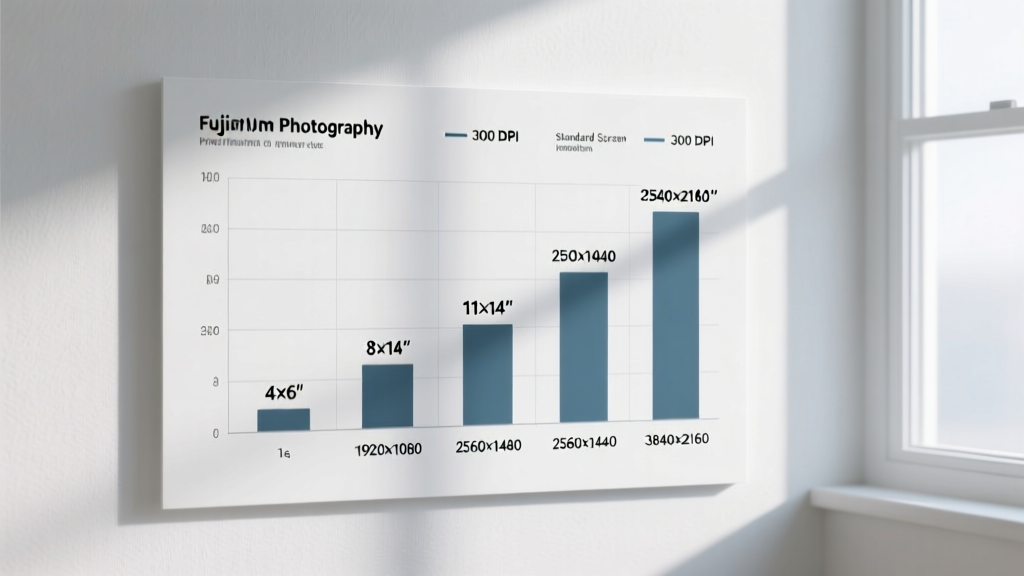
Standard print requires 300 DPI at the final physical size. A 4×6 inch print needs a minimum source of 1200×1800 pixels. An 8×10 inch print requires 2400×3000 pixels. If your source is smaller, use AI upscaling to reach these dimensions before sending to a print service.
How do I resize pixel art for different screen densities in game development?
Create your base sprites at the lowest target resolution, then generate 2×, 3×, and 4× versions using nearest-neighbor scaling. Modern game engines including Unity 2025.3 and Godot 4.4 support automatic mipmap selection based on camera distance, so provide all variants in your sprite atlas.
Conclusion
Lowering pixelation in images requires matching the right technique to your content type. Pixel art demands integer scaling to preserve deliberate artistic choices, while photographs and illustrations benefit from AI super-resolution that reconstructs plausible detail. Both approaches process images in seconds using freely available tools.
Your next step: download Real-ESRGAN from its GitHub repository and test it on your most problematic pixelated image at 4× magnification. Compare the output against a bicubic upscale in your image editor to see the quality difference firsthand.
Related guides
How to Check Pixels of an Image to Spot Fake Pixel Art
Learn how to check pixels of an image to verify true pixel art. Step-by-step guide to spotting upscaled fakes, mixels, and hidden anti-aliasing.
Real Pixel Art vs AI-Generated: How to Tell the Difference
AI image generators like Midjourney and DALL-E produce images that look like pixel art but fail the authenticity test. Learn the 5 telltale signs of AI fake pixel art and how real pixel art tools produce crisp, grid-aligned output.
How to Resize an Image by Pixels Without Blurring Edges
Learn how to resize an image by pixels using exact integer math and interpolation algorithms to prevent blurring, subpixel artifacts, and halo effects.